The best hackathon management software keeps registrations, team requests, mentor schedules, submissions, judge scores, and winner announcements in one system, so none of it has to be reconciled by hand while the clock is running. A hackathon rarely falls apart because someone forgot to build a registration form. It falls apart in the handoffs between five different ones.
Most hackathon software falls into one of five categories, and this guide compares them — purpose-built platforms, ticketing tools, workflow databases, showcase sites and chat — with a note on which suits which kind of event. The same criteria apply to online hackathon management software for remote and hybrid programs. The real question in every case is whether one hackathon system covers the full lifecycle, or whether you are assembling one from parts. If you are assembling, our map of the tools to host a hackathon names a specific pick for every stage, with three ready-made stacks.
For organizers, the right choice is not simply the platform with the longest feature list. It is the system that matches the format, stakes, team size, and level of control your event requires. A 40-person campus hackathon can tolerate a lighter stack. A corporate innovation challenge, game jam, or multi-location program needs stronger controls, a reliable judging workflow, and a professional participant experience from start to finish.
What separates the best hackathon management software
Hackathons are competitive creative events, not standard conferences. Participants need to find teams, build projects, submit work, and understand what happens next. Judges need secure access to projects, clear criteria, and a scoring process that does not expose confidential results. Hosts need to monitor the entire operation without chasing updates through email, chat, and spreadsheets.
That creates a different standard for software. The best tools support the full event lifecycle: setup, registration, team formation, live operations, project submission, judging, winner reveals, and post-event reporting. They also make exceptions manageable. Can an organizer move a participant between teams? Can a late submission be reviewed fairly? Can judges be assigned only to relevant projects? Can a host stop a bad actor from re-registering?
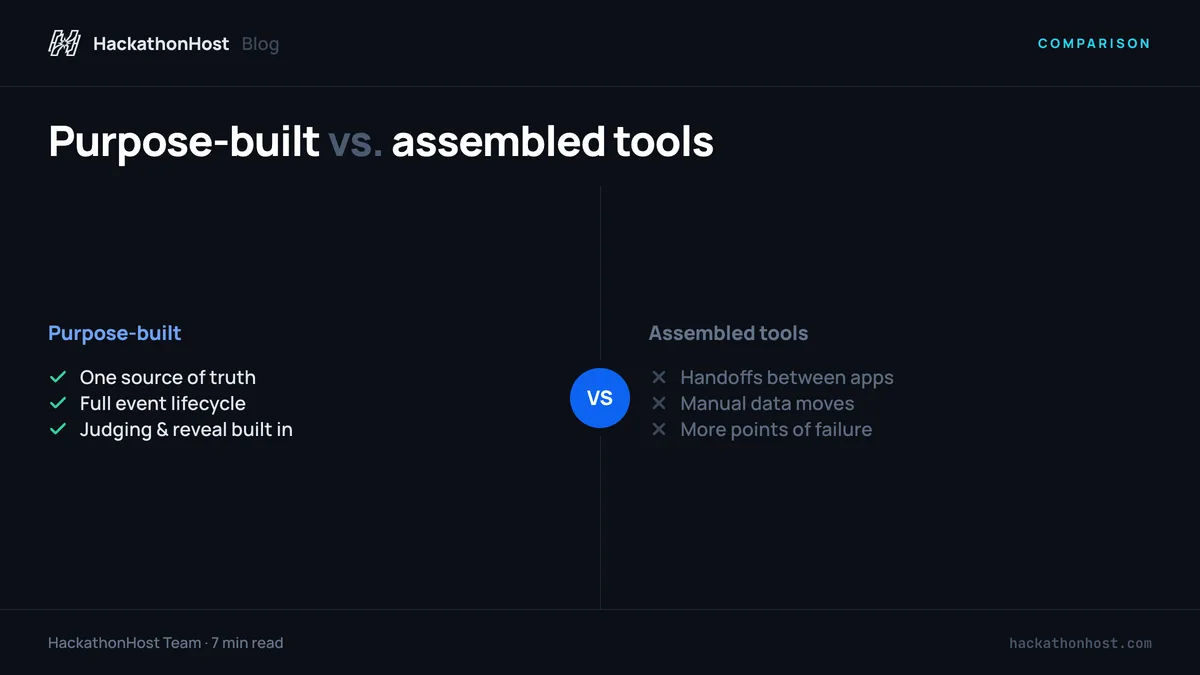
Generic tools can cover parts of this workflow. They are often familiar and inexpensive at the start. But the trade-off is operational assembly. Every additional form, spreadsheet, automation, and shared folder creates another point of failure when the clock is running.
Best hackathon management software by event need
There is no universal winner for every organizer. The strongest option depends on whether you need an end-to-end operating system or a narrow tool that fills one gap in an existing process. If part of that gap is AI tooling — drafting judging rubrics, summarizing submissions, generating theme ideas — a directory such as AI Pulse - AI Tools Directory is a faster way to scan the current options than searching one category at a time.
1. Purpose-built hackathon platforms
For recurring hackathons, game jams, innovation challenges, and judged competitions, a purpose-built platform is usually the most complete choice. These systems are designed around the actual sequence of the event rather than forcing organizers to adapt conference or survey software. If you already know you want a dedicated product, our comparison of specific hackathon platforms weighs the main options side by side.
Look for centralized registration, participant profiles, team-building boards, project submission pages, configurable judging rubrics, live leaderboards, organizer controls, certificates, and analytics. The key benefit is not merely convenience. It is having a single source of truth when participants ask about team status, submission deadlines, or scores.
HackathonHost fits this category with one dashboard for the full lifecycle, including smart matchmaking, jury and public scoring, projector mode, score reveals, QR-verified certificates, and post-event feedback. Its flat event pricing can be particularly useful for organizers who do not want per-participant fees or feature upgrades added as attendance grows.
The trade-off is that a dedicated platform may be more than a first-time host needs for a small, informal event. But once an event includes multiple judges, sponsors, public voting, or recurring programs, the reduction in manual coordination is usually worth far more than a collection of free tools.
2. Registration and ticketing platforms
Tools such as Eventbrite are useful when registration, ticketing, and attendance tracking are the primary problem. They can help promote public events, manage ticket types, send confirmation emails, and produce basic attendance data.
For a hackathon, though, registration is only the first checkpoint. A ticketing tool does not typically manage team formation, project submissions, judging assignments, or score calculations. It works best when paired with another system, which means organizers must decide how participant data moves from one tool to the next.
Use this category when ticket sales and audience acquisition are central to the event. If the competition itself is the core experience, make sure the rest of the workflow is not left to disconnected documents.
3. Workflow databases and spreadsheet stacks
Airtable, Google Sheets, Notion, and similar tools are flexible building blocks. Experienced operations teams can use them to track applications, assign mentors, manage sponsor deliverables, and create internal run-of-show documents. They are especially useful for planning information that participants should not see.
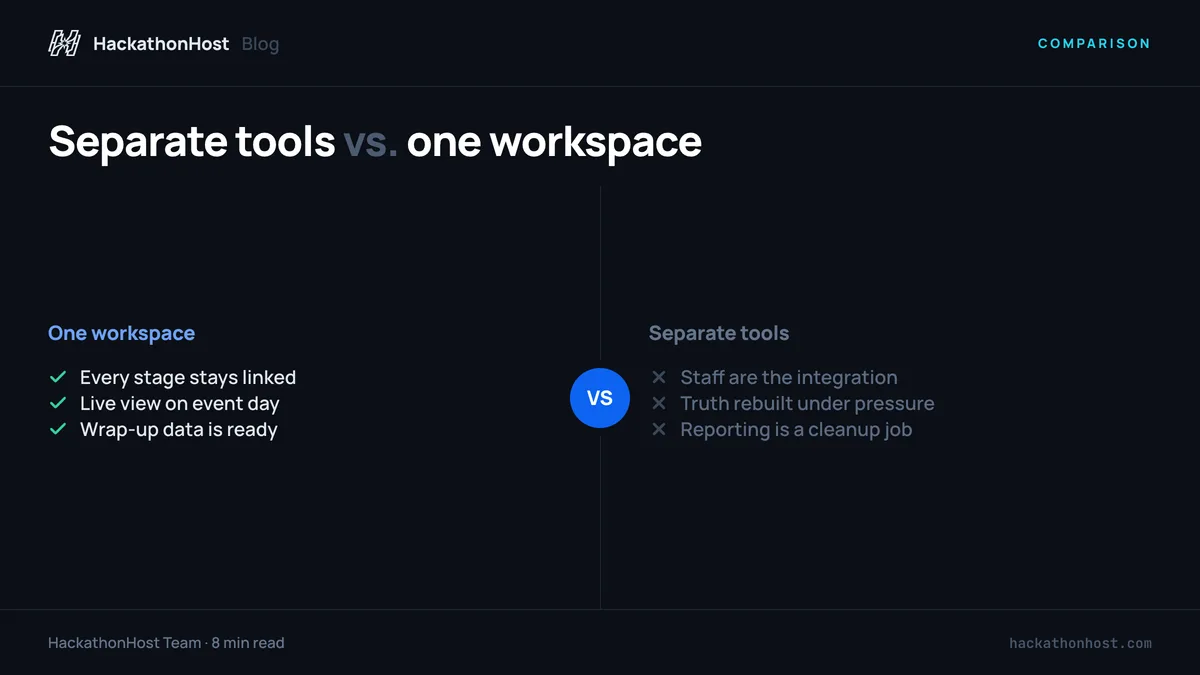
Their limitation is that flexibility transfers work to the organizer. Someone still has to build views, permissions, forms, formulas, automations, and handoff procedures. When team sizes change at the last minute or judges submit incomplete scores, the operations team becomes the integration layer.
A workflow database is a good companion tool for internal planning. It is a risky choice as the public-facing core of a judged event unless the format is simple and the staff has time to maintain it throughout the program.
4. Project showcase platforms
Platforms such as Devpost and itch.io can be effective for displaying projects, particularly for public hackathons and game jams. They give participants a place to present demos, screenshots, videos, build instructions, and team information. A public gallery can also extend the life of the event after winners are announced.
The right fit depends on the submission format. Devpost is closely associated with hackathon projects, while itch.io is familiar to game developers and suits playable builds. Neither should be assumed to cover every operational need, however. Review how the platform handles private judging, rubric design, participant records, team changes, and exports before making it the center of your event.
For many organizers, showcase tools are strongest when the project gallery itself is the goal. If scoring needs to be tightly controlled, check whether the judging process can run in the same system or whether it creates another manual handoff.
5. Communication tools
Discord, Slack, and email platforms are essential communication layers, not complete hackathon management systems. Discord is often the natural choice for developer and gaming communities because it supports channels, voice rooms, announcements, and peer discussion. Slack may work better for corporate teams already using it internally.
Communication should support the event plan, not become the plan. Establish one location for official deadlines, submission rules, and judging instructions. Chat moves quickly, and a key announcement can disappear under mentor questions and participant conversation within minutes.
Use chat for energy, support, and community. Keep decisions, submissions, and scores in a system that organizers can audit.
How to evaluate a tool before committing
The most reliable evaluation method is to run a realistic test event, paired with a clear platform evaluation checklist so every tool is judged against the same criteria. It is a better guide than a rating average, because most event platform reviews are written by conference organizers and never touch team formation, weighted judging, or the reveal. Do not stop after creating a landing page. Build a sample participant journey from registration to certificate. Create a few fake teams, submit projects with different levels of completion, invite test judges, and simulate a tie or a missing score.
Pay close attention to the moments that normally produce manual work. Can participants form teams without organizer intervention? Can judges see only their assigned projects? Can you change a deadline without sending contradictory updates? Can results be checked before they are shown publicly? Can you export the information needed for sponsor reporting and future outreach?
Also examine brand control and access control. Corporate and university organizers may need a white-label experience, private participant data, host isolation, and the ability to remove or block users who violate event rules. Public-facing community events may prioritize social sharing and a project gallery instead. Those are different requirements, and the tool should reflect them.
Pricing deserves the same scrutiny. A low entry price can become expensive when participant caps, judging modules, white-label options, exports, or support are charged separately. For recurring organizers, predictable event-based pricing is often easier to budget than a subscription that grows with each program. HackathonHost is priced that way deliberately — one flat fee per event, free for universities up to three events a year, with white-label branding and game-jam support included rather than sold as modules.
Choose for the pressure points, not the demo
The polished demo is rarely where an event platform earns its value. The value appears at 11:45 p.m. when teams are still forming, when a judge needs help accessing assigned projects, or when leadership wants final results displayed with confidence. Choose the system that makes those moments controlled and clear, then give your participants more time to create.